

What is client session history tracking?
Client session history tracking is the structured practice of recording, organizing, and reviewing every meaningful interaction across a client’s coaching engagement. It gives you a clear, chronological view of where each client started, what they’ve committed to, and how far they’ve come. Think of it as the backbone of your coaching method: without it, you’re rebuilding context from memory at the start of every session.
The core components include:
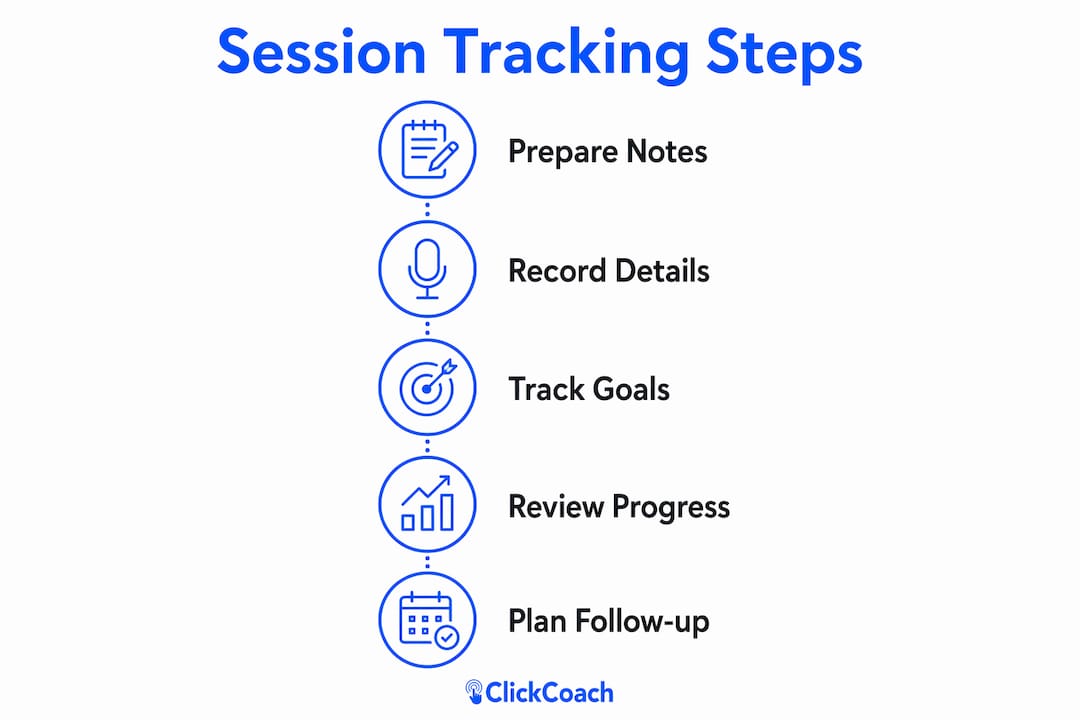
- Session notes: A structured summary of what was discussed, what the client expressed, and what you observed
- Client commitments: Specific actions the client agreed to take before the next session, kept separate and scannable
- Goal-tracking records: A living document showing the original goal, current status, and any shifts over time
- Progress summaries: Periodic syntheses, monthly or quarterly, capturing what has changed and what remains
Why session tracking matters for your coaching practice
Coaches who skip structured tracking often underestimate how much a client has changed over six months. That gap makes renewal conversations harder and client motivation harder to sustain. Here’s what consistent session history management actually delivers:
- Accountability: Documented commitments give clients a concrete record of what they agreed to, so follow-through improves
- Continuity: You walk into every session prepared, not scrambling to reconstruct context
- Pattern recognition: Periodic progress audits reveal recurring obstacles and areas of consistent growth
- Proof of value: Visible progress data makes your coaching ROI undeniable during renewals
- Client motivation: When clients can see the ground they’ve covered, engagement stays high
How to track client sessions effectively
The quality of your records depends heavily on when and how you capture them. A few practices make the difference between notes you’ll actually use and notes that collect dust.
- Transcribe digitally within two hours of ending a session. Specific insights and emotional nuances fade fast; waiting until the next morning means losing the detail that makes notes useful.
- Use structured templates that separate session notes, client commitments, and goal-tracking logs into distinct fields, not one long document.
- Maintain a living goal-tracking document updated at least monthly. A separate goal record prevents you from rebuilding the client’s full picture from scratch at every session start.
- Schedule periodic progress summaries at the close of each month or quarter. These are strategic documents, not operational ones, and they’re what make renewal conversations easy.
- Flag sessions where the client showed resistance or avoidance. Those patterns are often where the most important coaching work lives.
Pro Tip: Never bury goal-tracking information inside session notes. Keep it in its own document so you can scan progress across all clients at a glance, not excavate it from paragraphs of narrative.
Integrated platforms vs. manual methods: what actually works at scale

Manual spreadsheets, paper notebooks, and scattered documents share one critical flaw: they lack a longitudinal client view. When your notes live in three different places, you spend prep time hunting for context instead of preparing for the conversation. That administrative drag limits how many clients you can serve well.
Integrated coaching platforms solve this by centralizing everything:
- Unified client history: Session notes, communications, and goal records in one profile
- Instant recall: Centralized client data means you’re fully prepared five minutes before any call
- Automated workflows: Scheduling, reminders, and billing handled without manual effort
- Scalability: Your admin work doesn’t grow as your client roster does
ClickCoach saves coaches up to 20 minutes per session by bringing session management, billing, and progress tracking under one login.
How ClickCoach handles session history tracking for you
ClickCoach was built specifically for the challenges coaches face when managing multiple client relationships. Every feature connects to the goal of reducing administrative load while improving client outcomes.
- Unified session management: Notes, commitments, and goal records organized in one place per client
- AI-assisted drafting: Homework assignments and progress tracking handled with AI support, cutting prep time significantly
- Living goal documents: Structured to update easily, so your client’s story never gets lost between sessions
- Progress summaries built in: Periodic review formats ready to use, not something you have to create from scratch
- Branded client portals: Clients log in to see their notes, action items, and progress, which raises engagement between sessions
Real examples of tracking changing coaching outcomes
A business coach managing 15 clients weekly cannot hold every client’s arc in working memory. When session history is documented consistently, patterns surface that would otherwise stay invisible. A client who has circled the same obstacle for two months shows up clearly in a monthly progress summary, prompting a direct conversation rather than another session that covers the same ground.
Goal-tracking records also capture the story of change. When a client shifts a goal mid-engagement because a coaching conversation surfaced something important, documenting both the original goal and the reason for the shift creates evidence of real coaching impact. That documented story is often the most compelling thing you can share during a renewal conversation.
Customizing your tracking system to fit your coaching style
No two coaches work the same way, and your tracking system should reflect that. A few principles help you build something that actually fits your practice:
- Define 3–5 fields that matter most for your specific coaching approach. A leadership coach tracks different markers than a health and wellness coach.
- Separate internal observations from client-facing sections. What you note for yourself and what you share with the client serve different purposes.
- Match your summary cadence to your engagement length. Monthly summaries suit longer engagements; shorter programs may need only a mid-point and closing review.
- Use the client’s exact language when recording commitments. Their words carry more accountability weight than your paraphrase.
- Adjust your template as your method evolves. A tracking system that worked for your first ten clients may need refinement as your practice grows.
ClickCoach gives you one place to run your whole practice
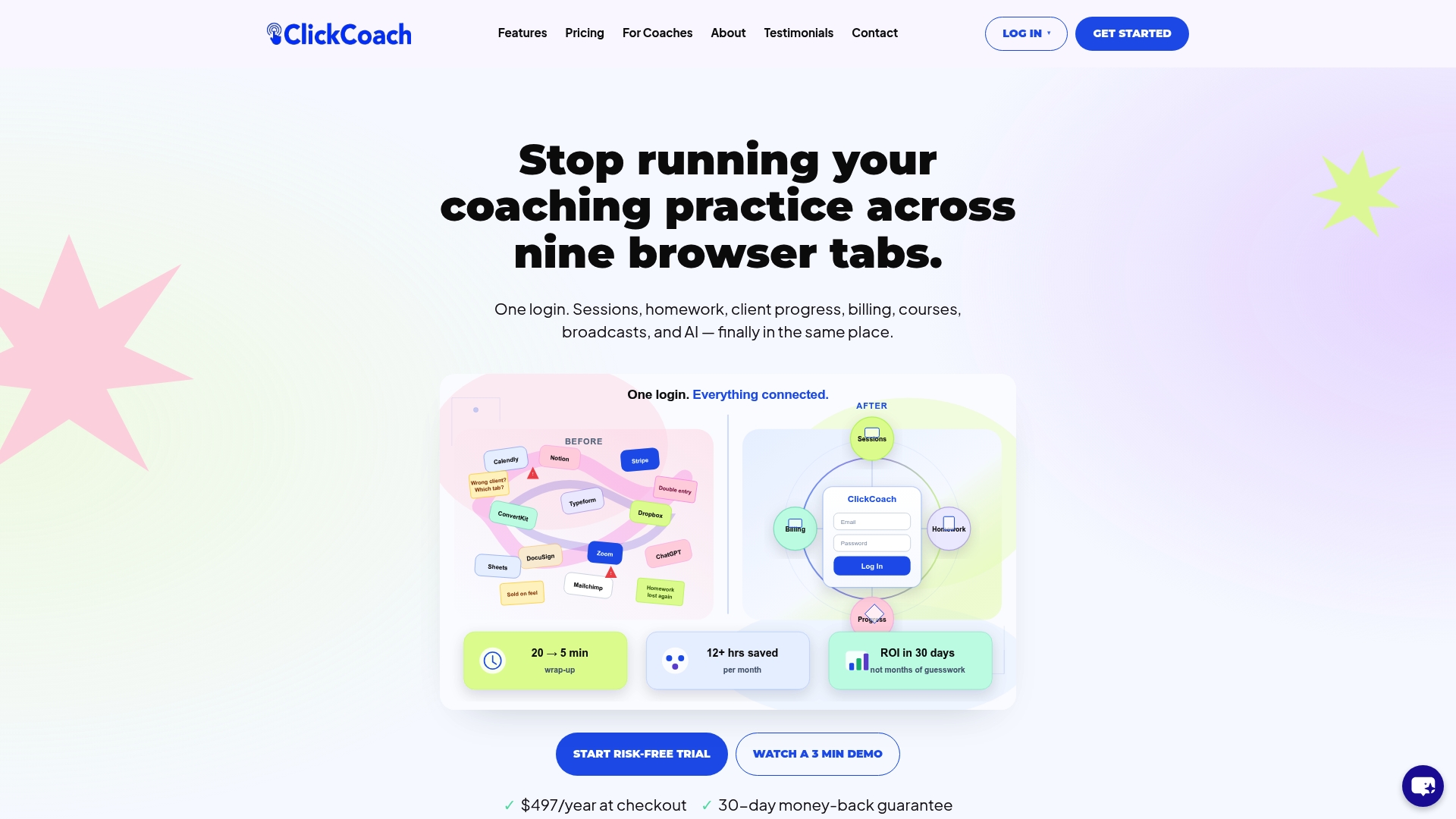
ClickCoach is the practical alternative to juggling notes, spreadsheets, and separate billing tools. For coaches who want to grow their client roster without growing their administrative workload, it brings session history, goal tracking, homework assignments, and billing into a single login. The AI-assisted features handle drafting and progress tracking, so you spend your prep time on the coaching conversation, not on organizing documents. Clients get a branded portal where they can see their own progress, which keeps engagement strong between sessions. If you’re ready to run a more organized, scalable practice, start with ClickCoach today.
Key Takeaways
Client session history tracking is the foundation of consistent, scalable coaching: without structured records, progress stays invisible and administrative drag limits growth.
| Point | Details |
|---|---|
| Core components | Session notes, client commitments, goal-tracking records, and progress summaries form the complete system. |
| Timing matters | Transcribe session notes digitally within two hours to preserve the specific insights that make records useful. |
| Separate goal records | Keep a living goal-tracking document distinct from session notes, updated at least monthly. |
| Integrated platforms win | Centralized tools eliminate the administrative drag of scattered documents and give you instant client history recall. |
| ClickCoach | Saves coaches up to 20 minutes per session by uniting session management, billing, and progress tracking in one place. |