

Coaching touchpoint frequency is how often you make planned contact with a client — through sessions, brief check-ins, homework reviews, or progress follow-ups — to sustain accountability and forward movement. For most professional engagements, that translates to: Foundation phase (weeks 1–4): weekly or twice-weekly contact; Active development (weeks 5–12): weekly to biweekly sessions plus a mid-week micro-check; Integration phase (month 4+): biweekly to monthly sessions with async touchpoints between them. Research by Keith Webb confirms that coaching conversations every 1–2 weeks produce stronger outcomes than the same number of sessions spread over longer gaps. The International Coaching Federation (ICF) recommends documenting frequency directly in the coaching agreement so both parties share clear expectations from day one. ClickCoach is built to operationalize exactly this, from recurring session templates to automated mid-week check-ins.
Table of Contents
- Why cadence shapes client outcomes more than most coaches expect
- Which interactions actually count as coaching touchpoints?
- How to choose the right frequency for each client
- Cadence templates you can copy into your packages
- How to measure whether your cadence is working
- Operationalizing cadence inside your practice-management software
- Key Takeaways
- A coach-owner’s honest take on cadence
- ClickCoach keeps your cadence running without the admin overhead
- Useful sources and further reading
Why cadence shapes client outcomes more than most coaches expect
Frequency is not just a scheduling preference. It is a structural driver of momentum, habit formation, and accountability. When the gap between contacts stretches past two weeks, clients lose the thread of their commitments, and coaches lose the behavioral data needed to coach effectively.

Ashley L. Arnold’s analysis reinforces this: meeting every 1–2 weeks produces better outcomes across nearly every measured variable compared with monthly or looser schedules. Frequency can matter more than the total number of sessions when those sessions are spread too far apart.
Three things you can act on right now:
- Reschedule any gap longer than two weeks for active-phase clients — even a 15-minute call preserves momentum better than silence.
- Add a mid-week async check-in (a short form or voice message) so you have behavioral data before the next session.
- Document the agreed cadence in your coaching agreement so both you and the client treat it as a commitment, not a suggestion.
The ICF’s core competency of “maintains presence” is not just about being attentive in the room. It extends to how reliably you show up between sessions.
Which interactions actually count as coaching touchpoints?
Not every contact carries the same weight, but all of them contribute to the overall frequency picture. ICF guidance sets a standard session at 30–60 minutes, with 10–15 minutes of pre-session preparation recommended to maximize coach presence.
Beyond the formal session, your touchpoint toolkit includes:
- Orientation/onboarding call (30–45 min, live): sets goals, logistics, and cadence expectations.
- Full coaching session (30–60 min, live): the core developmental conversation.
- Short accountability check-in (5–20 min, live): confirms progress on commitments, flags blockers early.
- Async check-in (structured form or voice message): captures client state between sessions without requiring live scheduling.
- Homework review (async or brief live): closes the loop on assigned work and feeds the next session.
- Group coaching touchpoint (live, shared): lower per-client time cost while maintaining community accountability.
- Milestone/progress review (30–45 min, live): a scheduled reassessment at a defined checkpoint.
A practical mixed-cadence example: a weekly 45-minute session, a 10-minute Friday check-in call, and a mid-week async form. That is three touchpoints per week, two of which require minimal coach time. Live touchpoints build depth and trust; async ones generate the data that makes live sessions sharper.
How to choose the right frequency for each client
Cadence is a decision, not a default. The right frequency depends on a short checklist of inputs:
- Client phase: Foundation needs more contact; Integration needs less.
- Goal urgency and complexity: High-stakes career transitions warrant weekly contact; maintenance goals can sustain biweekly.
- Client availability and budget: A busy executive with a $200/month package gets a different cadence than a part-time learner at $80/month.
- Your bandwidth: Sustainable cadence across your full client roster matters as much as optimal cadence for one client.
- Engagement data: Homework completion rate and session attendance tell you whether the current frequency is working.
A simple decision flow:
- New client, high-stakes goal, Foundation phase → weekly sessions + mid-week async check-in.
- Active-phase client, steady progress, busy schedule → biweekly sessions + weekly micro-check.
- Integration-phase client, goals largely met → monthly session + async touchpoints as needed.
- Engagement dropping (homework below 60%, missed sessions) → increase to weekly for 6 weeks, then reassess.
Pro Tip: Document the agreed frequency and the triggers for changing it inside the coaching agreement. The ICF coaching agreement framework treats this as the professional container for all logistics. Build in an automatic reassessment point after every 6 sessions so cadence never drifts by default.
Cadence templates you can copy into your packages
Ready-to-use structures, organized by package tier:
- Entry-level (monthly session + async): One 45-minute session per month, one structured async check-in per week. Low coach-time cost; works for maintenance or budget-constrained clients.
- Mid-tier (biweekly + weekly micro-check): One 45-minute session every two weeks, one 10-minute check-in call per week. FitSuite’s cadence research maps this tier to roughly $100–$150/month.
- Premium (weekly session + mid-week check-in + priority async): One 60-minute session per week, one 15-minute mid-week call, and same-day async response. Corresponds to $200+/month and the highest coach-time investment per client.
- Group coaching variant: Weekly or biweekly group session (60–90 min) plus individual async check-in between sessions.
Two timeline examples:
- 3-month acceleration program: Weekly 45-minute sessions for weeks 1–8, then biweekly for weeks 9–12. Milestone review at week 6 and week 12.
- 6-month development program: Biweekly sessions throughout, monthly 30-minute progress reviews, and a monthly metrics check using homework completion and goal data.
Platform automation handles reminder delivery and form distribution, which keeps coach time focused on the actual coaching rather than logistics.
How to measure whether your cadence is working
Track these five metrics consistently:
| Metric | Warning threshold | Recommended action |
|---|---|---|
| Homework completion rate | Below 60% | Add a weekly micro-check-in for 6 weeks |
| Session no-show rate | Above 20% | Review scheduling friction; consider async alternatives |
| Client engagement score/NPS | Declining 2+ periods | Move to weekly cadence for 6 weeks, then reassess |
| Progress toward stated goals | Stalled 4+ weeks | Schedule a milestone review; adjust goals or cadence |
| Client retention | Early drop-off pattern | Increase Foundation-phase frequency; add onboarding check-in |
For silent clients, a structured escalation works better than waiting. A gentle reminder on day 2 recovers roughly 60% of non-responses; a direct check-in on day 5 recovers an additional 25%; a brief “everything okay?” message on day 7 recovers roughly 10% more.
To test a cadence change objectively:
- Baseline 4–8 weeks at your current cadence, recording all five metrics above.
- Change cadence for the next 8 weeks.
- Compare metrics and gather brief client feedback before committing to the new structure.
Ashley L. Arnold recommends a minimum of 6–8 sessions before drawing conclusions about whether a cadence is serving the client.
Operationalizing cadence inside your practice-management software
Deciding on a cadence is half the work. Making it happen reliably requires your software to carry the operational load.
Feature checklist for your platform:
- Recurring session templates with pre-built scheduling intervals
- Automated session reminders (24-hour and 1-hour)
- Structured async check-in forms triggered mid-week
- Homework assignment with completion tracking and timestamps
- Engagement flags or tags for clients who miss two consecutive check-ins
- Session notes linked to client goals for continuity
- Progress dashboards showing goal advancement and homework trends
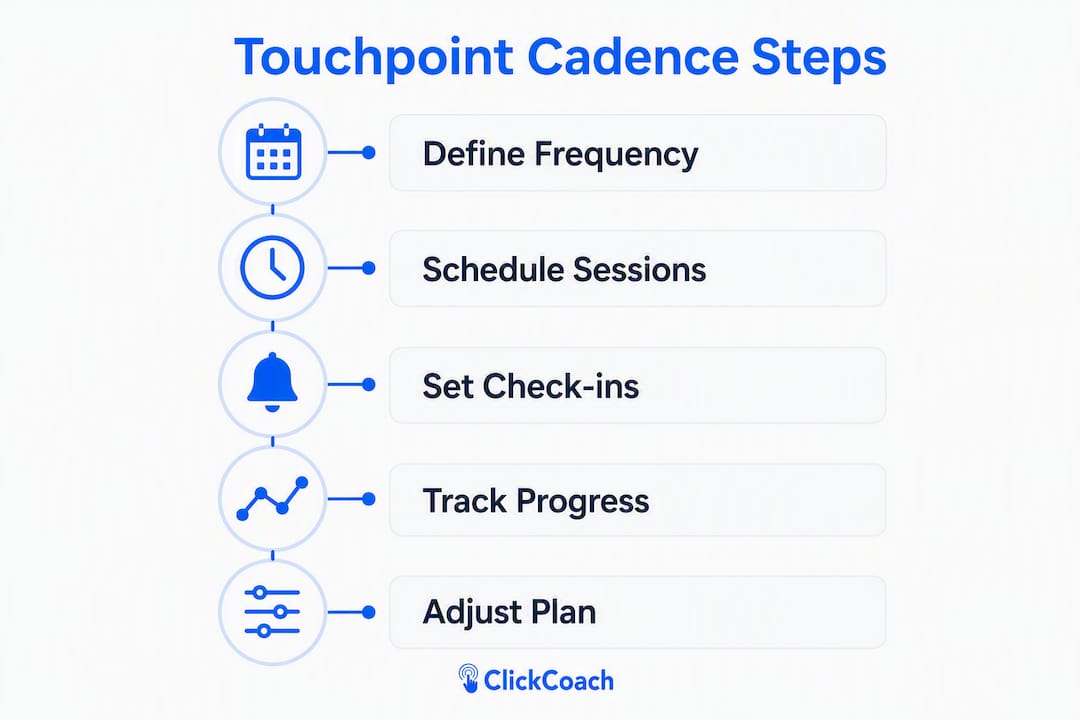
Sample workflow: create a recurring session template → schedule the onboarding and 6-session reassessment points → activate a mid-week check-in form with automated delivery → set reminder escalation rules for non-responses → connect homework completion data to the client dashboard.
ClickCoach covers every step in that workflow. Recurring session templates, automated reminders, structured check-in forms, AI-assisted homework creation, and progress dashboards all live under one login. Once a coach exceeds roughly 10 active clients, manual check-ins break down fast. Automation is not a convenience at that scale; it is what keeps cadence consistent.
Pro Tip: Block two calendar event types separately: a focused “coaching session” slot and a shorter “accountability check” slot. Mixing them collapses the developmental work into status updates.
Key Takeaways
Coaching touchpoint frequency, set intentionally and tracked consistently, is one of the highest-leverage decisions in a professional coaching practice.
| Point | Details |
|---|---|
| Define frequency in the agreement | Document cadence and change triggers in the coaching agreement per ICF guidance. |
| Prefer consistent short contacts | Weekly or biweekly cadence outperforms the same sessions spread over longer gaps. |
| Match cadence to client phase | Increase frequency during Foundation; reduce during Integration while keeping async touchpoints active. |
| Measure with five metrics | Track homework completion, no-shows, NPS, goal progress, and retention to know when to adjust. |
| ClickCoach operationalizes cadence | Recurring templates, automated check-ins, and progress dashboards keep cadence reliable at any practice size. |
A coach-owner’s honest take on cadence
Most coaches underestimate how much of their “coaching time” quietly becomes status-update time. A client spends 20 minutes recapping their week, and the actual coaching window shrinks to 10 minutes. The fix is structural, not motivational: calendar your coaching session and your accountability check as two separate event types with different agendas. Protect the developmental slot.
The second habit worth building immediately: block a non-cancelable weekly coaching hour and a 15-minute accountability check slot on the same day each week. Clients internalize the rhythm, and you stop renegotiating the calendar every week.
At 10+ active clients, the math changes. You cannot personally track whether every client submitted their mid-week form. That is when structured automation stops being optional and starts being the backbone of a consistent practice.
ClickCoach keeps your cadence running without the admin overhead
Running a consistent cadence across a growing client roster takes more than good intentions. ClickCoach gives you recurring session templates, automated reminders, structured mid-week check-in forms, AI-assisted homework creation, and progress dashboards, all under one login.
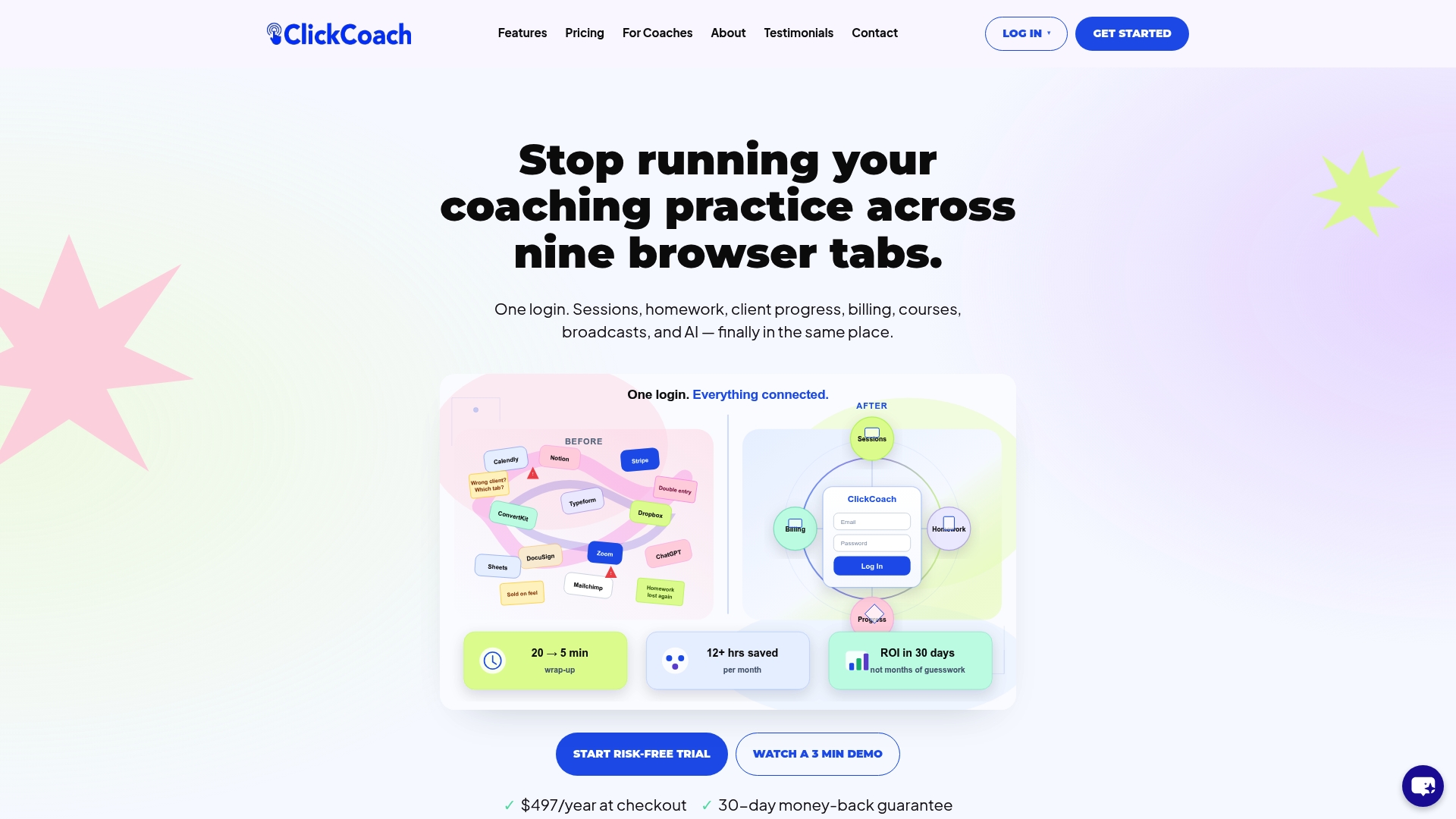
Coaches using ClickCoach report saving up to 20 minutes per session on administrative tasks, which means more time for actual coaching. Your clients get a branded portal with clear homework, visible progress, and timely reminders. You get a practice that runs predictably, whether you have 5 clients or 50.
Start your ClickCoach trial and set up your first recurring cadence today.
Useful sources and further reading
- ICF Core Competencies 2025 (PDF) — The authoritative standard for coaching agreements, presence, and professional logistics; use this to structure your agreement language.
- ICF: What to Expect and How to Prepare for a Coaching Session — Practical session-length guidance (30–60 minutes) and preparation recommendations directly from the ICF.
- ClickCoach — Platform documentation and feature overview for operationalizing recurring cadences, automated check-ins, and progress tracking in a single practice-management system.