

AI handles your predictable, repetitive admin work so you can protect every hour for actual coaching. Practices that delegate scheduling, session notes, homework delivery, and follow-up reminders to AI save substantial hours per week and can serve more clients without extending their working day. ClickCoach is one platform built around exactly this model, centralizing those workflows under one login. The single highest-leverage move you can make this week: pick your most painful admin task and pilot one AI-assisted workflow around it.
Table of Contents
- What admin tasks can AI reliably handle for your coaching practice?
- Measurable benefits you should expect and the KPIs to track
- What AI should not replace and the ethical guardrails you need
- How to pilot AI for coaching admin in 30, 60, and 90 days
- Features a coaching-specific admin tool should offer
- How ClickCoach helps coaches reduce admin and improve client engagement
- Key Takeaways
- Why the blended model is the only model worth building
- ClickCoach puts this playbook into practice
- Useful sources
What admin tasks can AI reliably handle for your coaching practice?
AI performs best on tasks that are structured, repetitive, and low-stakes if a draft needs a human edit. Here is a practical catalog:
- Scheduling and booking. Automated calendar links, confirmation emails, 24-hour reminders, and reschedule flows eliminate back-and-forth entirely. Native integrations with Google Calendar or Outlook are required here.
- Intake and qualification. Structured intake forms feed client goals, preferences, and consent language directly into your notes. AI can summarize responses and flag anything needing human review before the first session.
- Billing and invoicing. Recurring invoices, payment receipts, and overdue nudges run without manual input when connected to Stripe or PayPal.
- Contract delivery. Standard agreements can be generated, sent, and tracked automatically after a client books.
- Transcription and session summaries. AI transcribes sessions and drafts a summary covering goals discussed, commitments made, and next steps. Most coaches save significant time per client per week on this single workflow.
- Follow-up emails. Post-session recap drafts are queued for human review and sent once approved. These need voice alignment before they go out.
- Homework delivery and reminders. Assignments are sent automatically after sessions, with timed reminders if a client has not engaged.
- Resource distribution. Relevant articles, worksheets, or exercises can be triggered based on a client’s stated focus area.
- Basic progress tracking. Goal completion rates, homework submission rates, and session attendance are logged automatically in a dashboard.
| Task | Integration needed | Human review required? |
|---|---|---|
| Scheduling | Google/Outlook calendar | No |
| Intake summary | CRM or client notes | Yes, flag exceptions |
| Billing | Stripe / PayPal | No |
| Session transcription | Zoom / meeting provider | Yes, before sharing |
| Homework reminders | Email / client portal | No |
| Progress dashboard | Native analytics | Periodic review |
Measurable benefits you should expect and the KPIs to track
AI can compress overhead tasks like scheduling, follow-up, and onboarding enough that coaches can deliver substantially more sessions or reclaim equivalent time. Between-session engagement tools, specifically automated check-ins and homework reminders, can significantly increase homework completion rates and improve client outcomes.
Track these KPIs during any pilot:
- Hours saved per week (baseline vs. post-automation)
- Session capacity (how many clients you can serve without adding hours)
- Homework completion rate (the clearest signal of between-session engagement)
- Response time to client messages and follow-ups
- Client retention and NPS at 60 and 90 days
Statistic callout: AI can compress overhead tasks so coaches can deliver 1.5–2x more sessions or reclaim equivalent time. Post-call transcript intelligence alone saves most coaches 30–60 minutes per client per week.
Set a realistic 60–90 day pilot target: reduce admin time by at least two hours per week and lift homework completion by a measurable margin. If neither moves, the workflow you automated was not the right starting point.

What AI should not replace and the ethical guardrails you need
AI can handle the majority of routine coaching functions, but human coaches remain non-negotiable for values-based discussions, emotional support, and crisis moments. The Institute of Coaching describes a “third presence” risk: when AI processes session content, it enters the coaching relationship as an entity the client may not have consented to and whose data practices may be opaque even to the coach.
Keep these areas fully human:
- Emotionally charged disclosures (grief, shame, identity, trauma)
- Values-based decisions and goal reframing
- Crisis points and mental health concerns
- Final coaching judgment on any client situation
Consent and transparency checklist:
- Disclose AI use in your coaching agreement before the first session
- Explain what AI does (transcription, homework drafts, reminders) in plain language
- Offer a clear opt-out path for clients who prefer manual handling
- De-identify client data before it enters any consumer AI tool
- Set escalation thresholds: define which situations trigger human-only responses
Pro Tip: Treat every AI output as a first draft. Review and personalize AI-generated follow-ups, homework assignments, and session recaps before they reach a client. Your voice and judgment are what make those communications feel like coaching, not automation.
The ICF’s updated Code of Ethics, effective April 2025, requires coaches to fulfill their ethical obligations through any technology systems they use, including AI. That means you are responsible for the data practices of every tool in your stack, not just those you think of as “AI.”
How to pilot AI for coaching admin in 30, 60, and 90 days
Most implementations fail because coaches adopt AI without an operational strategy. The fix is a disciplined pilot, not more tools.
Pilot checklist (do this before you start):
- Identify your single most painful admin workflow (usually post-session notes or scheduling).
- Set two measurable success metrics (e.g., hours saved per week, homework completion rate).
- Confirm the integrations you need (calendar, meeting provider, payment processor).
- Block a protected implementation window of at least two hours before you begin.
- Assign one person (even if that is you) as the pilot owner for accountability.
| Phase | Milestone | Owner |
|---|---|---|
| Days 1–30 | Automate one workflow; measure baseline KPIs | Coach / admin |
| — | Add a second workflow; review client feedback | Coach |
| Days 61–90 | Assess time saved, completion rates, retention; decide on full rollout | Coach |
Common traps and how to avoid them:
- Time deficit. Coaches skip pilots because there is no free hour. Block the time first, or the workflow never gets built.
- Voice misalignment. AI-drafted follow-ups that sound generic erode trust. Always edit before sending.
- Over-automation. Automating sensitive touchpoints (crisis check-ins, values conversations) damages the relationship. Keep those human.
Pro Tip: Start with post-session transcript summaries. It is the highest-ROI first workflow for most coaches, and it requires no change to how you run sessions.
Features a coaching-specific admin tool should offer
Not every project management or CRM tool is built for coaching. When evaluating software, insist on these:
Core feature checklist:
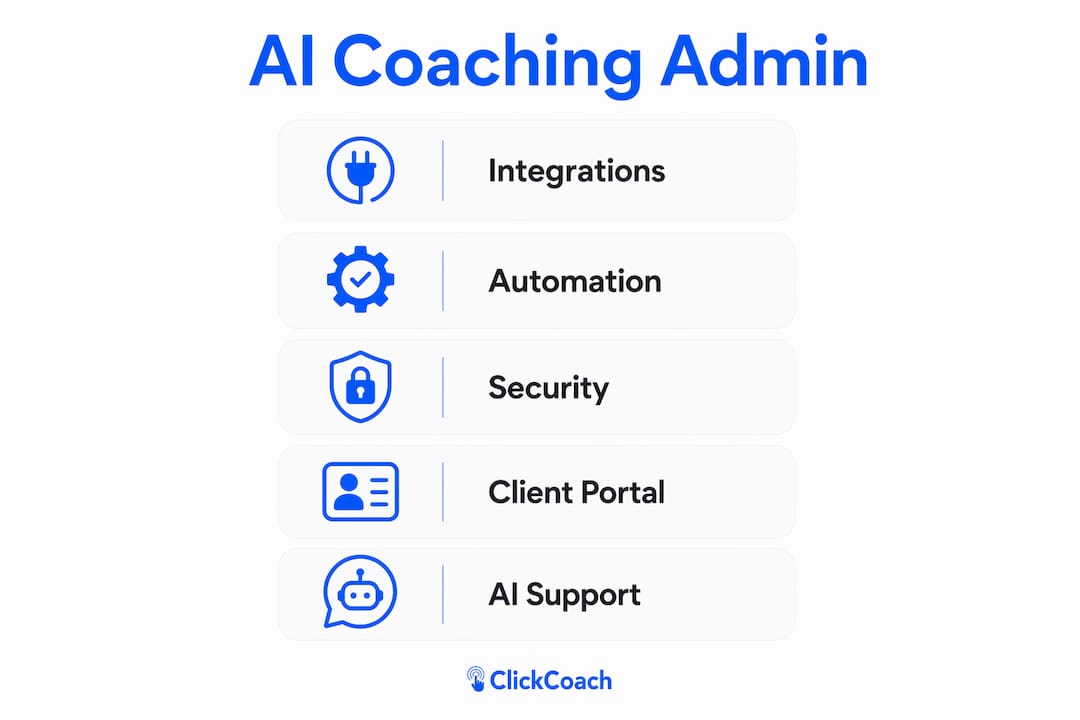
- Client portal (branded, easy for clients to use)
- Session notes and transcript storage
- AI-assisted session briefs and homework drafts
- Homework assignment, delivery, and reminder automation
- Calendar and booking integration
- Payments and contract management
- Analytics dashboard (goal tracking, completion rates, session history)
Must-have integrations: Google Calendar, Outlook, Zoom (or your meeting provider), Stripe, PayPal, email, and CSV/CRM export.
| Feature | Why it matters |
|---|---|
| Client portal | Clients see goals, homework, and progress in one place |
| AI homework drafts | Cuts prep time; coach reviews before sending |
| Analytics dashboard | Tracks completion rates and progress over time |
| Payment + contracts | Removes billing admin entirely |
| Calendar integration | Eliminates scheduling back-and-forth |
Security baseline for US-based practices: encryption at rest and in transit, role-based access controls, configurable data retention, and a clear policy on whether client data is used to train the vendor’s AI models.
Pro Tip: Ask every vendor directly: “Is client data used to train your AI?” If the answer is unclear or buried in terms of service, treat it as a red flag and de-identify any session content before it enters the platform.
How ClickCoach helps coaches reduce admin and improve client engagement
A coach running a solo practice faces a familiar problem: every hour spent on notes, reminders, and billing is an hour not spent coaching. ClickCoach addresses this directly by centralizing sessions, billing, client progress, and AI-assisted homework under one login, eliminating the app-switching that fragments a coach’s day.
With ClickCoach, the post-session workflow looks like this: the session ends, AI drafts a summary and a homework assignment, the coach reviews and personalizes both, and the client receives them through a branded portal. Reminders go out automatically. Progress is tracked in a dashboard the coach can check before the next session. The platform reports coaches can save 30–60 minutes per client per week on this cycle alone.
The real gain is not just the minutes recovered. It is the consistency. Every client gets a follow-up. Every homework assignment gets a reminder. Every session has a record. That consistency compounds into stronger client outcomes and a more professional practice.
Pro Tip: When using ClickCoach’s AI homework drafts, read the output aloud before sending. If it does not sound like you, edit it until it does. Clients notice the difference between a personalized assignment and a template.
Key Takeaways
AI handles predictable admin work so coaches can protect their highest-value hours for actual coaching, but every AI output requires human review before it reaches a client.
| Point | Details |
|---|---|
| Delegate repetitive workflows | Scheduling, billing, transcription, and homework reminders are safe to automate and deliver the fastest time savings. |
| Keep emotionally weighted work human | Values conversations, crisis moments, and final coaching judgment must never be delegated to AI. |
| Pilot one workflow first | Pick your most painful admin task, set two KPIs, and measure results over 30–90 days before expanding. |
| Consent and transparency are required | Disclose AI use in your coaching agreement and de-identify client data before it enters any AI tool. |
| ClickCoach centralizes the model | One login covers sessions, billing, homework, and progress tracking with AI-assisted drafts built in. |
Why the blended model is the only model worth building
The coaches I see struggle with AI adoption are not struggling because the tools are too complex. They are struggling because they adopted a tool without a workflow to attach it to. A subscription that never gets opened is not an AI problem; it is a bridge problem.
The practices that get real results treat AI as operational infrastructure. They automate the predictable, protect the relational, and review every output before it touches a client. That is not a cautious approach. It is the only approach that actually scales, because the moment a client feels processed rather than coached, the relationship is at risk.
The hybrid intelligence model works precisely because it is intentional: human expertise for the moments that carry emotional weight, AI for the administrative layer that surrounds those moments. Build that structure deliberately, and your capacity grows without your care diminishing.
ClickCoach puts this playbook into practice
Running a coaching practice on multiple disconnected apps costs you more than time. It costs you consistency, and consistency is what clients pay for. ClickCoach gives you one organized place for every client relationship: session prep, homework assignments, progress tracking, billing, and AI-assisted follow-ups, all without switching tabs.
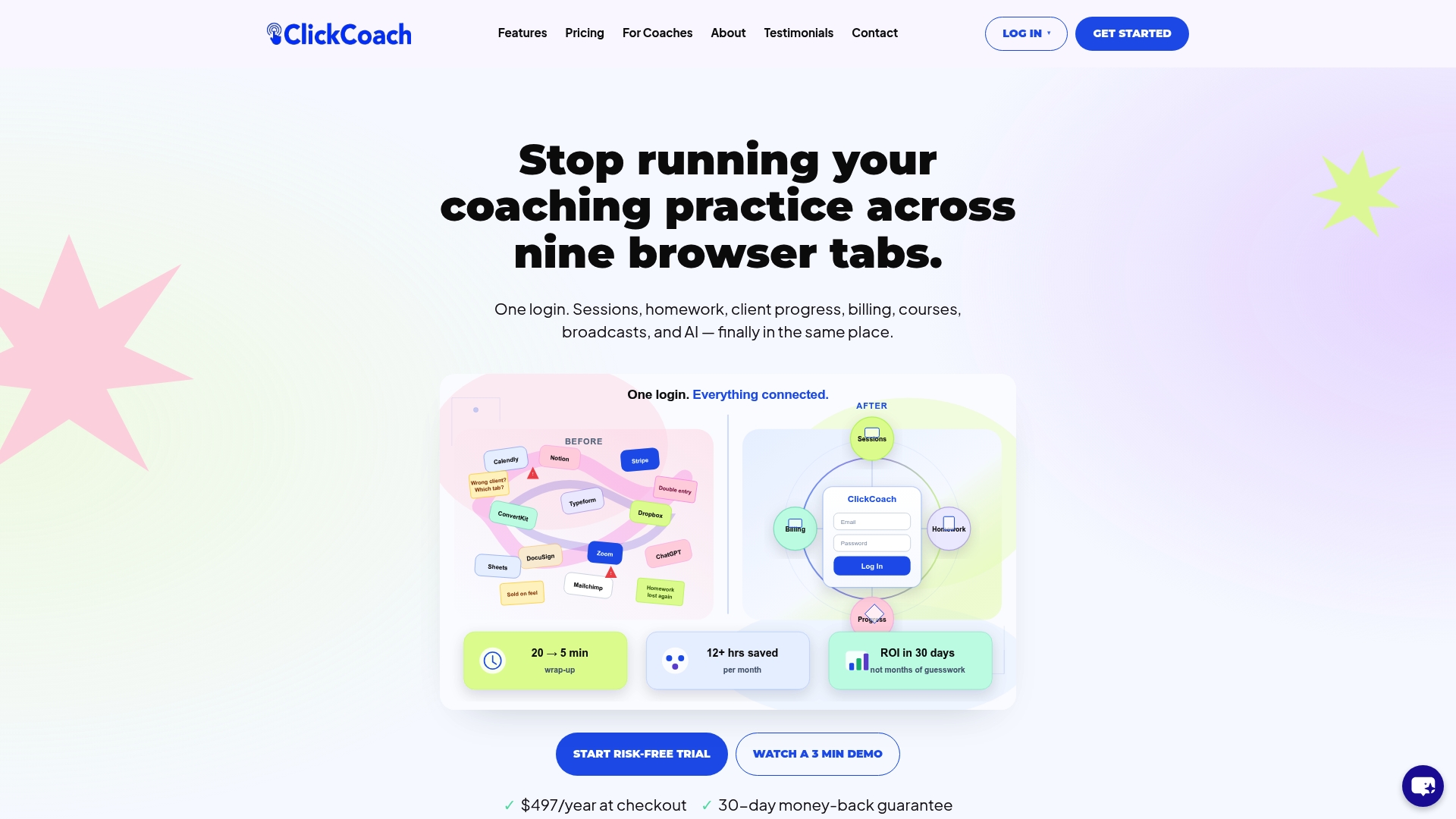
Coaches using ClickCoach report saving 30–60 minutes per client per week on admin. That is real capacity returned to the work that matters. The platform’s AI drafts homework and session briefs; you review, personalize, and send. Clients get a branded portal that makes your practice look and feel professional from day one.
Ready to run the pilot described in this article? Start with ClickCoach and measure your two KPIs at 30 days. The time savings tend to show up faster than coaches expect.
Useful sources
- Institute of Coaching: Coaching Ethics in the Age of AI — Covers consent, the “third presence” concept, ICF Standard 2.5, and de-identification practices. Bookmark this for your ethics checklist.
- INSEAD Knowledge: AI and the Future of Executive Coaching — Grounds the limits of AI in coaching in academic research; useful for understanding where human judgment remains irreplaceable.
- IESE Insight: Executive Coaching and Hybrid Intelligence — Defines the hybrid model and explains how to scale access while preserving the human coaching role.
- Conference Board: AI Can Provide Career Coaching, But Humans Still Matter — Industry-level evidence that AI handles routine functions but cannot replace high-trust coaching work.
- Kyber Five: The 61-Point Gap — The most practical source on why AI adoption fails in small practices and how post-call transcript intelligence saves 30–60 minutes per client per week.
- Superintech: AI for Coaches and Consultants — Workflow examples showing how AI compresses overhead so coaches can deliver 1.5–2x more sessions.