

A coaching workflow bottlenecks checklist is a structured framework coaches use to identify, measure, and fix the specific process failures that slow down client management and limit business growth. Most coaches lose hours each week not because they lack clients, but because their internal systems cannot support the volume they already have. Growth stalls because internal systems cannot handle increased demand, not because of insufficient leads. Fixing that gap starts with a clear-eyed audit of where work actually gets stuck. This guide walks you through the most common process obstacles, a practical audit method, and a concrete checklist for coaching improvement that you can apply this week.
1. What are the most common coaching workflow bottlenecks?
Scheduling is the single most frequent bottleneck coaches face. Automated calendar tools eliminate back-and-forth emails and manual time-zone conversions, saving coaches an average of 4–6 hours weekly. That is time you could spend on client work or business development instead of inbox management.
Manual data entry is the second major drain. When client intake forms, session notes, billing records, and progress updates live in separate apps, coaches spend significant time re-entering the same information across systems. Fragmented data also creates errors that damage client trust.

The third bottleneck is the coach as the single point of failure. Every decision, approval, or communication that requires your personal attention creates a queue. Scaling requires clear delegation and defined decision authority to prevent manual intervention from becoming the default. When you are the only person who can answer a client question or approve an invoice, your capacity becomes the ceiling for your entire practice.
Process design flaws round out the top four. Unclear onboarding steps, missing communication templates, and undefined escalation paths all create confusion for clients and waste time for coaches. These are not software problems. Most bottlenecks stem from process design flaws, not software limitations, and clarifying decision rules before automating is the fix.
Pro Tip: Ask yourself: “What would break in my practice if I took a two-week vacation?” Every answer is a bottleneck.
2. How to audit and map your coaching workflows
A workflow audit starts with documenting what actually happens, not what you think happens. Walk through each core process, including client intake, session scheduling, billing, and follow-up, and write down every step as it currently exists. Most coaches discover three to five undocumented steps they perform automatically but have never recorded.
Once you have the map, measure two numbers for each stage: cycle time and waiting time. Cycle time is how long a task takes when someone is actively working on it. Waiting time is how long a task sits idle before anyone touches it. Measuring cycle time versus waiting time is the most reliable method for locating backlogs in coaching practices. A stage with low cycle time but high waiting time signals a handoff problem or a missing trigger.
Use these audit questions to surface hidden problems:
- Where does work pile up before it moves forward?
- Which steps require your personal approval or input?
- Which tasks do you or your team repeat more than once because of errors or missing information?
- Where do clients report confusion or delays?
- Which processes have no written documentation?
Pro Tip: Run your audit with input from anyone who touches the workflow, including virtual assistants or contractors. They see bottlenecks you have normalized.
Team input is especially valuable because bottleneck audits focused on team input reveal where work gets stuck and allow you to prioritize quick fixes for the biggest impact. Recurring delays, duplicated work, and approval queues are the three patterns to look for first.
3. Checklist for resolving and preventing workflow bottlenecks
This checklist covers the five core areas where coaching practices lose the most time. Work through each category and check off what you have already addressed. Treat unchecked items as your priority list.
Standardize intake and onboarding
- Create a single intake form that captures all client information at once, including goals, availability, payment details, and communication preferences.
- Build a welcome sequence with templated emails that answer the ten most common new-client questions before they are asked.
- Define what happens if a client does not complete intake steps within 48 hours.
Automate scheduling and follow-ups
- Connect a scheduling tool directly to your calendar so clients book without emailing you.
- Set automated session reminders 24 hours and 1 hour before each appointment.
- Automate post-session follow-up messages with homework or next steps.
Delegate and define decision authority
- List every task you currently handle that does not require your coaching expertise.
- Assign admin tasks to a virtual assistant or platform automation first. A phased delegation strategy that starts with admin, then operations, then marketing can free 20–32 hours weekly.
- Write a one-page decision guide that defines which decisions require your input and which do not.
Document standard operating procedures
- Write a short SOP for every repeating process: intake, billing, session prep, and client offboarding.
- Include decision rules in each SOP so team members or automation can handle exceptions without escalating to you.
- Review and update SOPs every quarter or when a process breaks.
Fix system alignment before adding new tools
- Audit whether your CRM, intake system, and billing platform share data automatically or require manual transfers. Growth gridlock often results from misaligned systems rather than a lack of clients.
- Eliminate any tool that duplicates a function another tool already covers.
- Test every automated sequence with a real scenario before launching it to clients.
A useful framework for prioritizing this list comes from the concept of career progression workflows, which applies equally well to coaching practices: fix the systems that block daily output before addressing growth-stage problems.
4. How to build a continuous bottleneck review routine
A one-time audit is not enough. Workflow bottlenecks shift as client volume, services, or staff change, so regular monitoring is the only way to stay ahead of new constraints. Build a review cycle into your calendar before a breakdown forces you to.
- Schedule a monthly process check. Set aside 30 minutes each month to review your core workflows. Ask whether any stage is taking longer than it did last month and why.
- Track three key metrics. Monitor intake completion rate, session renewal rate, and billing cycle time. A drop in any of these signals a new bottleneck forming.
- Fix quick wins first. Eliminating duplicate data entry or a missing email trigger frees capacity immediately. Fixing quick wins first creates room to tackle deeper structural problems without burning out.
- Adjust systems before hitting capacity. Do not wait until your schedule is full to fix a slow intake process. Proactive adjustment prevents the bottleneck from becoming a client experience problem.
- Document every change. When you update a process, update the SOP the same day. Undocumented changes become the next bottleneck.
The real test of a well-run coaching practice is whether work completes without the coach’s constant manual intervention. If your practice stalls every time you step away, the review routine is the tool that closes that gap over time.
Key takeaways
A coaching practice’s capacity is determined by its slowest process, not its best coaching. Fixing that process is the highest-value work you can do for your business.
| Point | Details |
|---|---|
| Scheduling is the top bottleneck | Automating calendar booking saves coaches 4–6 hours weekly on average. |
| Audit with cycle time and waiting time | Measure both to locate exactly where work piles up in your practice. |
| Document before you automate | Clear decision rules and SOPs must exist before any automation goes live. |
| Delegate in phases | Hand off admin first, then operations, to free significant weekly hours. |
| Review routinely | Monthly process checks catch new bottlenecks before they damage client outcomes. |
What I’ve learned about coaching bottlenecks that most guides miss
The most damaging bottleneck in any coaching practice is not a software gap. It is the coach’s belief that being involved in everything is the same as being in control. I have seen practices with excellent tools still grind to a halt because every decision, every client question, and every billing exception required the coach’s personal sign-off. That is not a system. That is a job with extra steps.
The CEO mindset shift matters here. Working on your business means designing processes that run without you. Working in your business means you are the process. Most coaches stay stuck in the second mode far longer than they need to because delegation feels risky before the SOPs exist to support it. The fix is not to delegate blindly. The fix is to document first, then hand off.
One more thing most guides skip: do not automate a broken process. Automating a confusing onboarding flow does not fix the confusion. It just delivers it faster and at scale. Map the process, clarify every decision point, and then automate. In that order, every time.
The coaches who scale well are not the ones with the most tools. They are the ones who treat their practice like a system that can run without them present for every step.
— Mitch
How ClickCoach supports a bottleneck-free coaching practice
Running a coaching practice across multiple disconnected apps is itself a bottleneck. ClickCoach brings session management, billing, client progress tracking, and homework assignments under one login, which removes the manual data transfers that drain hours from your week.
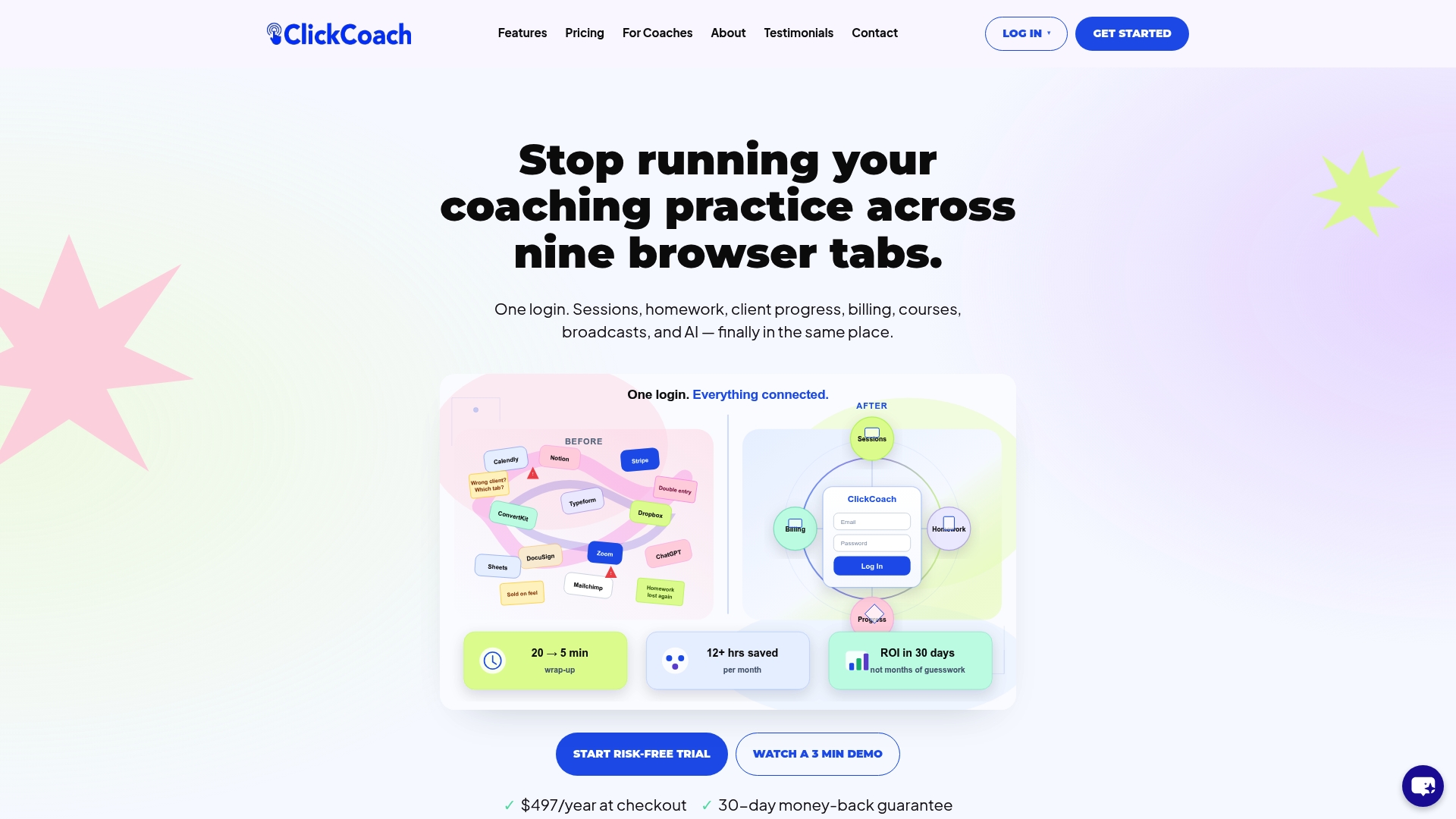
ClickCoach reports that coaches save up to 20 minutes per session by centralizing their workflow. The platform’s AI assists with drafting homework and tracking client progress, so routine follow-up no longer requires your direct attention. Clients get a branded portal that keeps them engaged between sessions. If you are ready to put the checklist items above into practice, ClickCoach gives you the infrastructure to do it without juggling five separate tools.
FAQ
What is a coaching workflow bottleneck?
A coaching workflow bottleneck is any step in your practice where work slows down, piles up, or requires manual intervention to move forward. Common examples include manual scheduling, fragmented client data, and decisions that only the coach can make.
How do I identify bottlenecks in my coaching process?
Map each core process and measure cycle time versus waiting time at every stage. Stages with high waiting time and low cycle time are your bottlenecks. Team input and client feedback also surface problems that are easy to miss from the inside.
Should I automate my coaching workflows before fixing the process?
No. Automating an unclear or broken process accelerates the confusion rather than resolving it. Document the process, define decision rules, and test the workflow manually before adding automation.
How often should I audit my coaching workflows?
A monthly 30-minute review is the minimum for a growing practice. Bottlenecks shift as client volume and services change, so routine audits prevent new constraints from building up unnoticed.
Can delegation really reduce my workload significantly?
A phased delegation strategy, starting with admin tasks and moving to operations, can free 20–32 hours weekly for coaches who implement it fully. The key is pairing delegation with clear SOPs so handoffs do not create new bottlenecks.