

Running a coaching business with disconnected tools creates wasted time, duplicate data entry, and lost session notes. Most platforms lock useful features behind expensive tiers or cannot support both solo coaches and multi-coach teams efficiently. This comparison reviews price, feature coverage, and team support across six leading alternatives so coaches can match one to their workflow and budget for 2026.
Table of Contents
ClickCoach
At a Glance
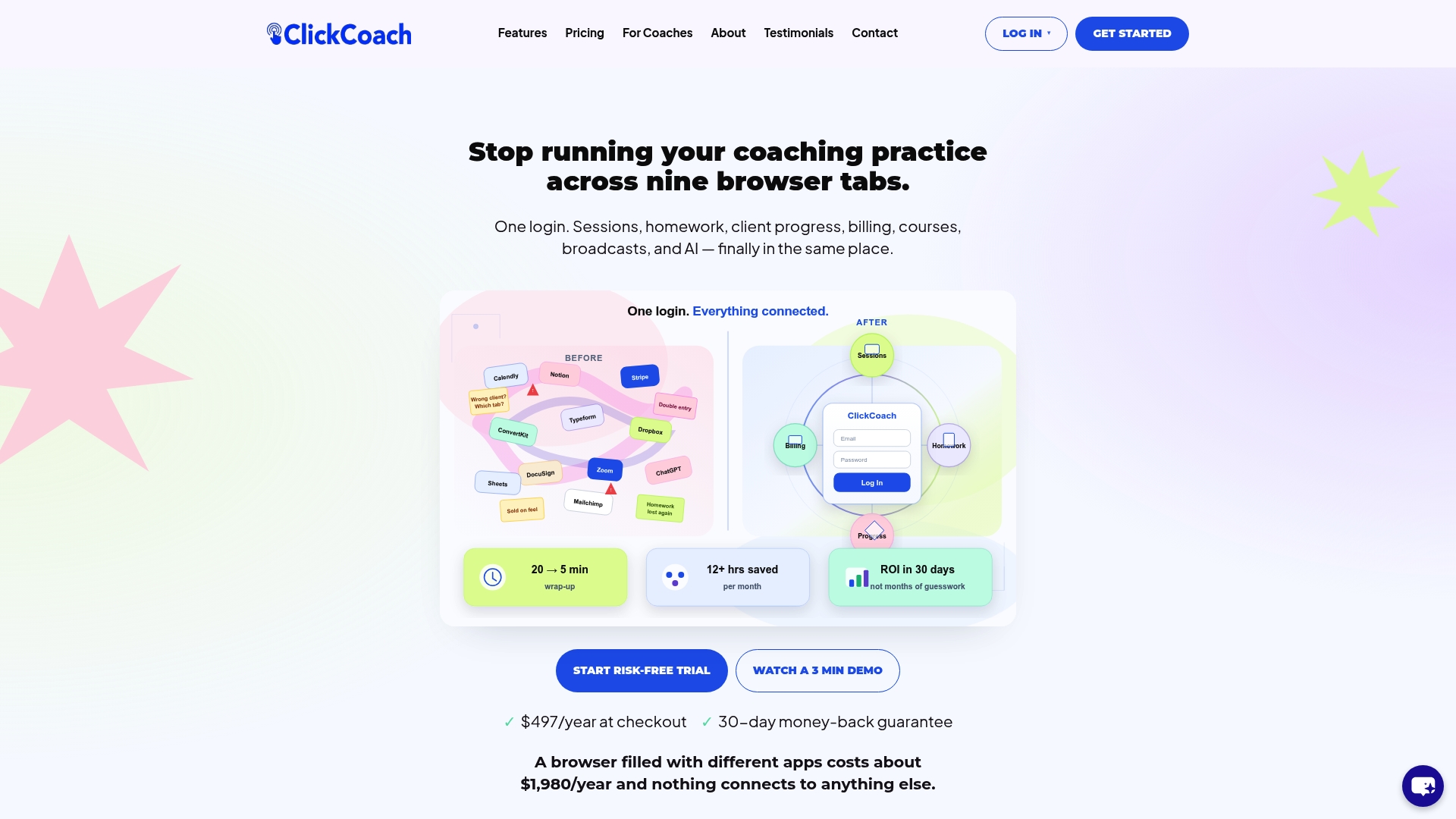
ClickCoach’s marketing materials state coaches can save up to 20 minutes per session. The product packages session management, billing, homework, client progress, courses, and AI under one login. Built by Mitch Russo, it targets solo coaches and multi-coach teams who want a single place for client work.
Core Features
ClickCoach combines client management, session notes, billing, and course delivery in one workspace, with subscription billing and e-sign contracts tied to Stripe. The platform includes AI support for session notes, homework, and question drafting and offers branded client portals that clients can access on mobile. Progress tracking uses customizable metrics and charts, while onboarding and follow-up workflows automate common tasks.
Key Differentiator
All-in-one platform combining coaching, progress tracking, billing, and AI support in a single interface. That focus reduces the need to use separate scheduling, invoicing, note, and course tools. Multi-coach deployments and white-label options make the same core system usable for teams and networks.
Pros
Consolidating sessions, homework, billing, and courses into one product cuts the friction of switching between apps and shortens session prep time. Branded portals give clients a consistent place for homework, invoices, and resources, which supports clearer progress conversations. Built-in AI speeds drafting of notes and follow-up messages, and automation handles onboarding and recurring communications so you spend less time on manual tasks.
Cons
- Limited third-party integrations beyond what the platform includes, which may frustrate coaches who rely on external niche tools.
Who It’s For
Solo coaches who want a single login for client work and billing will find the feature set practical. Small coaching teams and partner networks that need white-labeling and centralized progress tracking will also benefit. Coaches who only need scheduling or simple payments may find the platform more than they require.
Unique Value Proposition
AI-assisted session notes and homework drafting reduce administrative overhead before and after sessions. By producing ready-to-send homework and follow-up drafts, the AI feature lowers the time spent on client communications. That change converts the platform’s consolidation into measurable hours reclaimed for coaching or business development.
Real World Use Case
The vendor describes a solo business coach who runs sessions, automates homework follow-ups, tracks progress visually, and sends branded invoices from one login, saving over 12 hours a month. In practice, the coach uses automated onboarding, scheduled broadcasts for cohorts, and progress charts to keep clients focused and billing predictable.
Pricing
Pricing is a single annual charge of $497/year at checkout and includes unlimited clients and all features. The plan comes with a 30-day risk-free trial.
Website: /features/
CoachAccountable
At a Glance
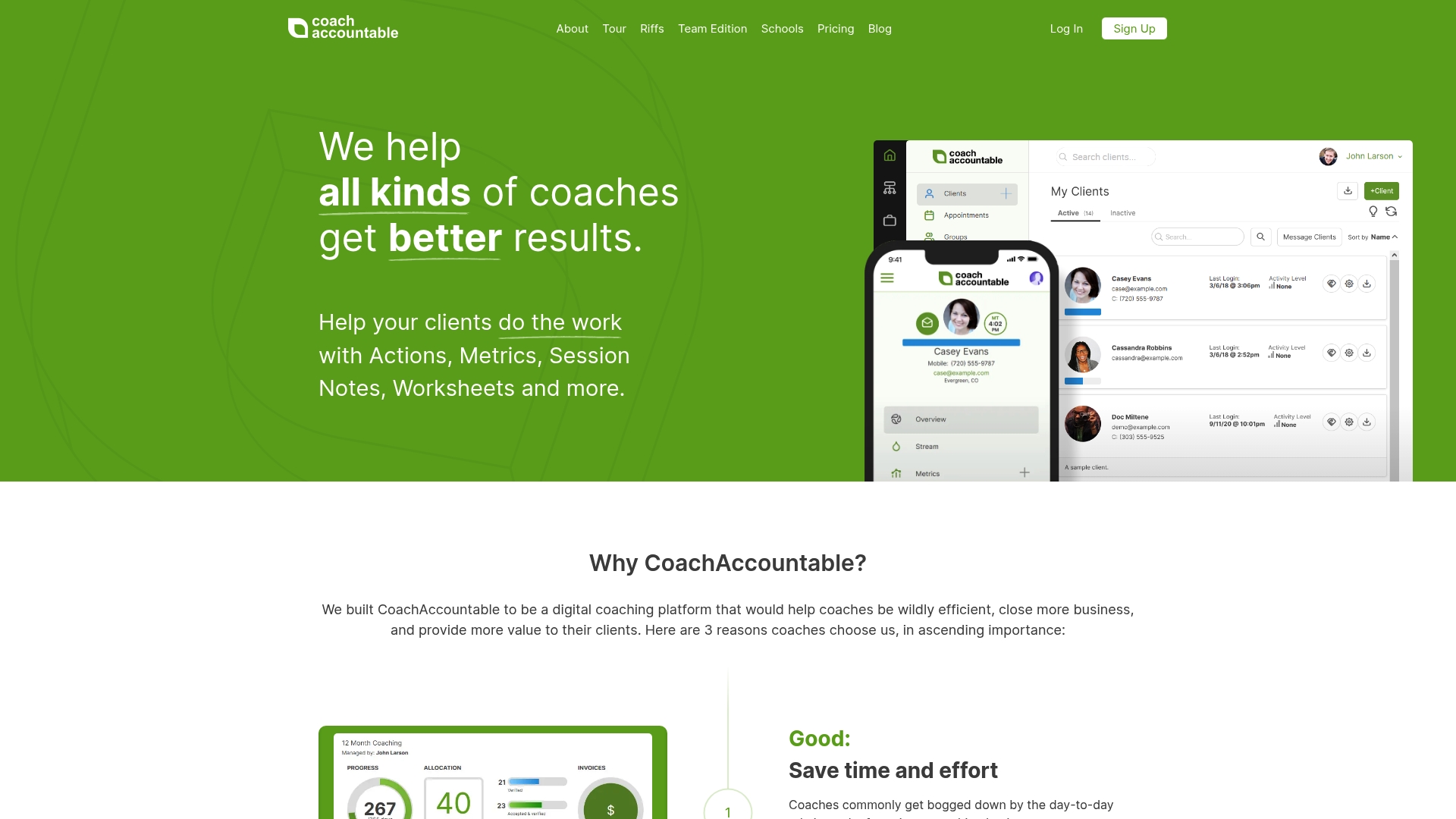
CoachAccountable reports serving coaches since 2012 and focuses on program management for solo practitioners and organizations. The platform centralizes session notes, client reminders, and course delivery into one account. That focus shows in the feature set aimed at improving client follow through and administrative efficiency.
Core Features
CoachAccountable combines client progress tracking, session notes, and action plans with worksheets and engagement reminders. It also supports online course delivery with drip content management and offers customization for branding and workflows. The product includes automation hooks for billing and client communication.
Key Differentiator
CoachAccountable stands out for its deep customization and its active support community. That combination makes it easier for larger coaching teams to map complex programs and enforce consistent client follow up. Unlike ClickCoach, this product leans toward granular feature control over an all-in-one user experience.
Pros
CoachAccountable adapts to solo coaches and multicoach organizations through configurable settings and white labeling. The platform groups coaching management tools in one place so program delivery, client homework, and metrics live together. It also provides an API and Zapier support for automation and connects with common payment processors.
Cons
- The interface can feel overwhelming for new users because many settings and options are visible at once.
- Several features have a learning curve and require setup before delivering value to clients.
- The UI is available only in English, so non English speakers must use translation workarounds.
When It May Not Fit
If you need an interface that new clients learn in minutes, this product may not fit. Teams that lack time for initial setup will find some features hard to adopt. Organizations needing multilingual UI out of the box should consider alternatives.
Notable Integrations
- API for custom workflows and developer integrations.
- Zapier for no code automation with scheduling, forms, and CRMs.
- Stripe, Square, and PayPal for payment processing and invoicing.
Who It’s For
Coaches who run repeatable programs and want control over program structure will find this a strong match. Coaching organizations that require white labeling and multicoach management will benefit from the configuration options. Trainers building paid course pipelines and tracking client metrics also fit this profile.
Real World Use Case
A business coach uses CoachAccountable to deliver a 12 week program with weekly worksheets and automated reminders. The coach tracks client metrics, stores session notes, and accepts payments through Stripe inside the same account. That setup helps keep a growing client roster organized and reduces manual follow up.
Pricing
Pricing is subscription based and charged monthly by the number of active clients. Detailed tier information appears on the vendor pricing page. Larger organizations should plan for per client charges as they scale.
Website: https://coachaccountable.com
Paperbell
At a Glance
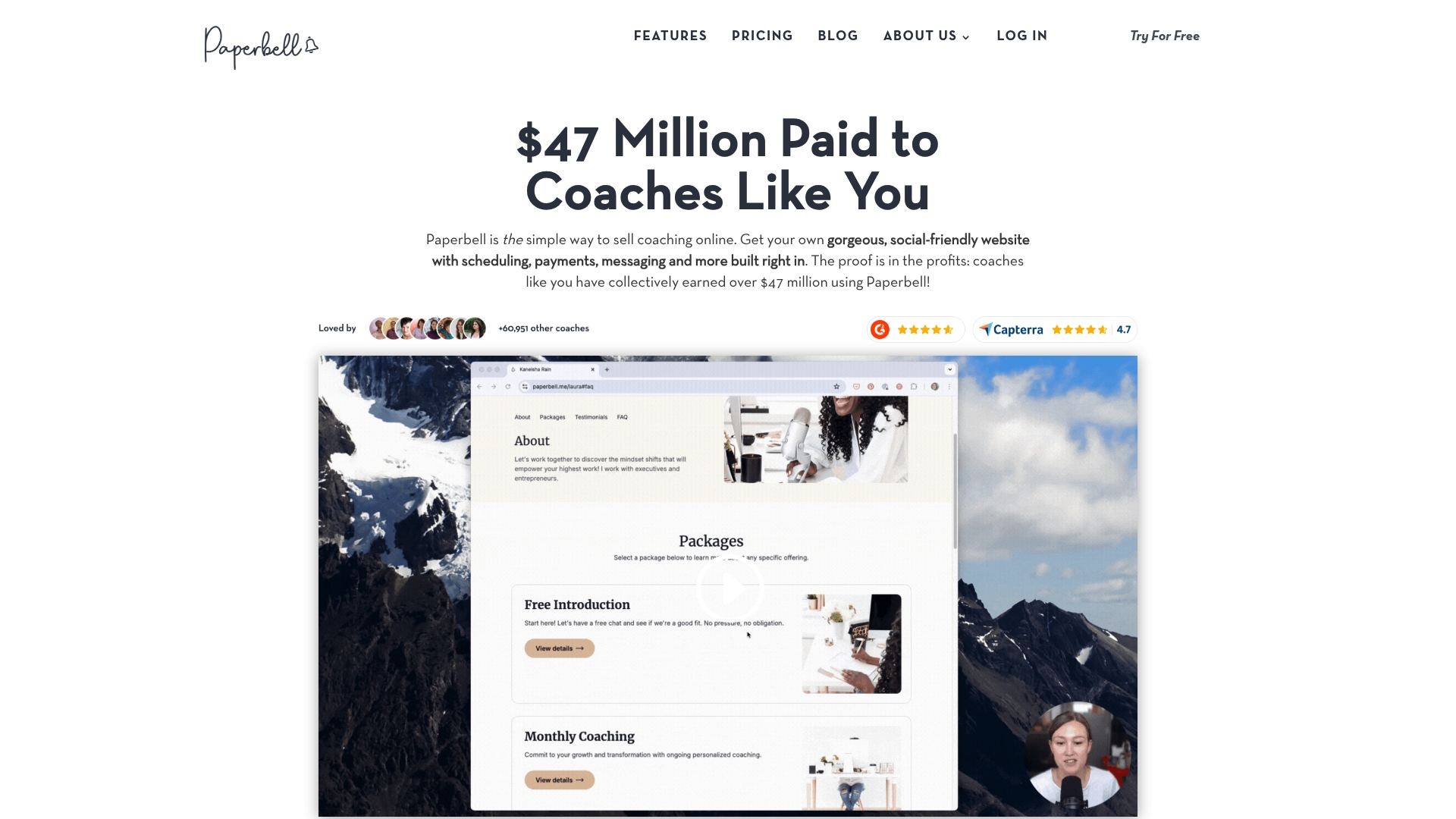
Paperbell reports coaches have earned over $47 million using the platform. According to the company, users praise its simplicity and ready templates. The service targets solo coaches and small practices that want one place for bookings, payments, and client materials.
Core Features
Paperbell combines a custom branded coaching website with client scheduling that detects time zones and syncs with calendars. The platform handles payments through Stripe and PayPal, supports subscriptions and payment plans, and includes contract signing and document management via HelloSign. It also offers client portals, group session tools, message automation, digital downloads, and appointment buffer controls.
Key Differentiator
Paperbell focuses on offering an all in one coaching business platform that brings website, scheduling, payments, contracts, and content management under a single account without built in transaction fees. That focus reduces the number of separate services a solo coach must manage while keeping branding and client flows in one place.
Pros
Setup requires little technical work, so a coach can publish a professional site and booking flow quickly. The platform consolidates booking, payment processing, contract signing, and client delivery, which lowers administrative overhead. Customer support and onboarding receive repeated praise, and account plans allow unlimited clients and package configurations.
Cons
-
Designed for a single coach per account, so multi coach practices must use separate accounts.
-
Workflows center on coaching needs and may not match complex corporate or enterprise processes.
-
Currency support targets the United States and a few international options, and Paperbell does not replace full accounting software.
When It May Not Fit
If the practice hires multiple coaches who require shared schedules and a single billing stream, Paperbell will force workarounds. Organizations that need deep enterprise reporting or advanced team permissions will find limits. Firms that need a full accounting system must pair Paperbell with dedicated finance software.
Notable Integrations
Paperbell connects with common calendar and meeting tools plus payment processors. Key integrations include Stripe, PayPal, Google Calendar, Microsoft Outlook, Apple iCal, Zoom, Google Meet, and Zapier. These cover booking sync, payment capture, meeting links, and basic automation.
Who It’s For
Solo coaches and small coaching practices that want an easy way to sell packages, accept payments, and deliver digital materials will gain the most. Coaches who prioritize fast setup, branded client portals, and package sales will find Paperbell aligns with those goals. Larger teams or corporate programs will likely outgrow the single account model.
Real World Use Case
A life coach builds a branded site, links coaching packages from social posts, and accepts subscription payments without separate checkout pages. The coach schedules clients across time zones, sends automated reminders, and shares course materials through the client portal. That configuration frees time previously spent on administrative tasks.
Pricing
Paperbell is priced at $57/month or $570/year (with two months free when paid annually). The model offers monthly or annual billing and includes unlimited clients and packages under a single coach account.
Website: https://paperbell.com
CoachVantage
At a Glance
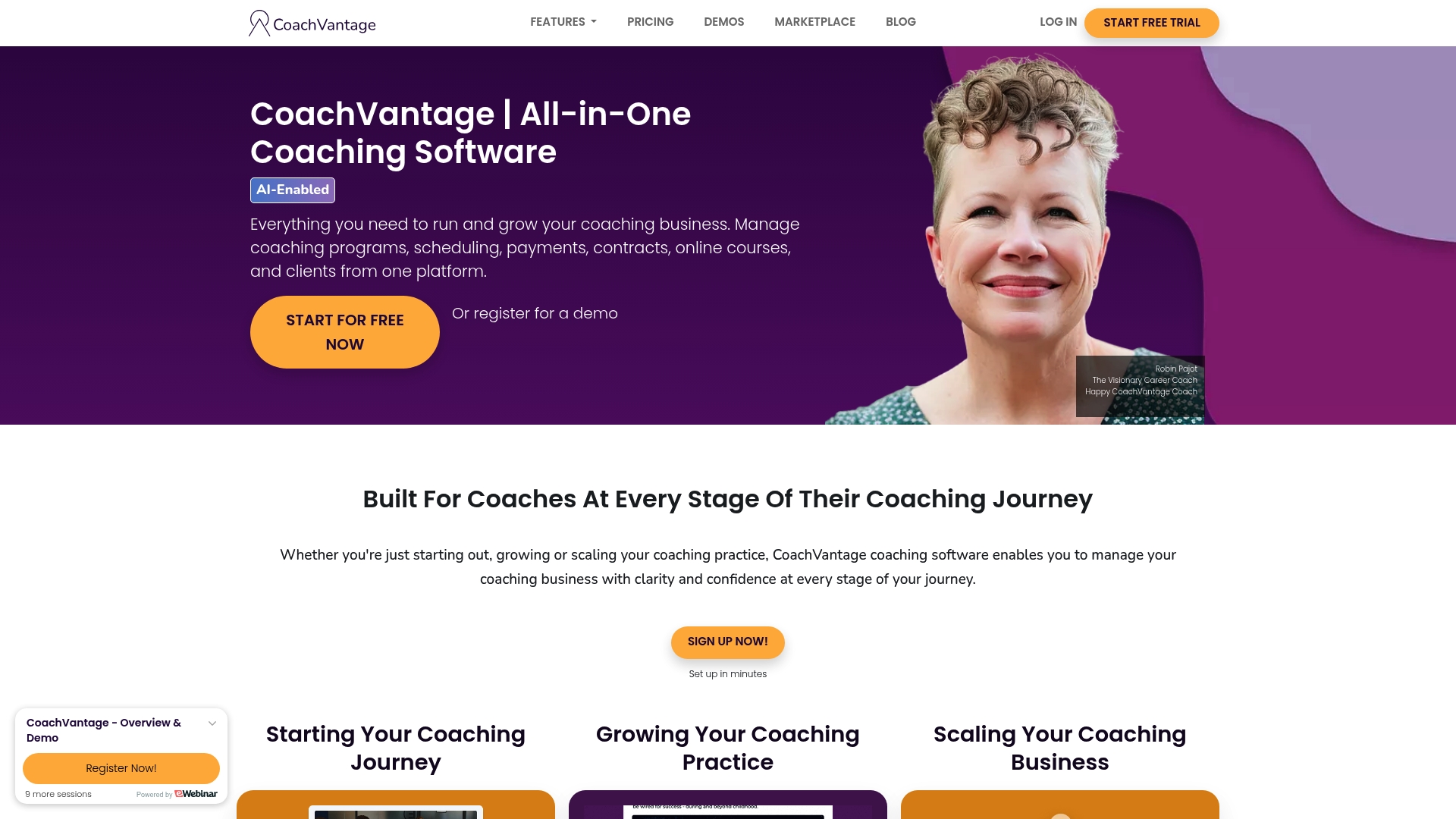
CoachVantage lists a starting price of $26/month for the Clarity Plan and aims to combine client management, scheduling, billing, contracts, and course delivery in one place. The vendor advertises AI features for creating programs and marketing content. That focus targets coaches who want fewer separate tools and faster setup.
Core Features
CoachVantage includes client management that works as a CRM, scheduling with calendar sync and reminders, and integrated payment processing with Stripe and PayPal. The platform also supports digital contract e signatures and building and selling programs and online courses from the same account. These components sit behind a single dashboard so you can manage sessions, billing, and courses without switching apps.
Key Differentiator
What sets CoachVantage apart is its emphasis on combining coaching operations and program delivery in a single platform with AI support for program and marketing drafts. Coaches who run group programs or sell courses will find the content creation and course hosting tools integrated with client records and billing. That tight coupling reduces the need to wire separate course and CRM systems together.
Pros
CoachVantage consolidates common coaching workflows into one place, which reduces the number of tools you must maintain and log into. Setup and onboarding are straightforward, and the vendor provides support resources to help you move calendars, client data, and payment connections into the system. The product grows with group programs and courses, so a coach can start with one on one work and add automation and course delivery as revenue and demand increase.
Cons
-
Limited language options. The product primarily supports English which restricts use for non English speaking client bases.
-
Refund and downgrade policy. Monthly subscriptions are non refundable and plan downgrades can require manual data management.
-
No native mobile app. The platform depends on a browser and an internet connection; there is no dedicated iOS or Android app.
When It May Not Fit
If your coaching business serves clients in multiple languages you will run into limits. Coaches who need an offline native mobile app or dedicated mobile functionality will find the lack of apps a constraint. If you expect frequent plan downgrades or need refundable monthly billing then the policy and downgrade complexity will not match your operations.
Notable Integrations
CoachVantage connects to Zoom, Google Meet, Stripe, PayPal, Google Calendar, Outlook, Exchange, and Office 365. Those integrations cover live sessions, payments, and calendar syncing so you can accept payments and schedule calls without third party connectors.
Who It’s For
This product fits coaches who want an all in one platform for client records, session booking, billing, contracts, and course delivery. It suits solopreneurs and small practices that plan to add group programs or self paced courses as they grow. It is less suitable for teams requiring multilingual interfaces or native mobile apps.
Real World Use Case
A life coach uses CoachVantage to automate onboarding, issue contracts, schedule calls, and host a self paced course. The coach links Stripe to accept payments, uses calendar sync to avoid double bookings, and publishes a branded sales page without a separate website. That setup saves administrative hours each week.
Pricing
Pricing starts at $26/month for the Clarity Plan and $44/month for the Aha! Plan when billed annually. The vendor states there are no extra charges or commissions on sales.
Website: https://coachvantage.com
Simply.Coach
At a Glance
Simply.Coach’s marketing materials state SOC2, HIPAA, and GDPR compliance. The platform targets coaches, therapists, trainers, learning teams, and universities with private client workspaces and business automation. Plans start at $9/month and a free trial is available.
Core Features
The product centralizes client management with goal setting, progress reporting, and stakeholder integration while offering private client workspaces for resource sharing. Business automation covers invoicing, contracts, subscriptions, and payments, and the scheduling module connects to Zoom, Microsoft Teams, Google Calendar, and Outlook Calendar. Digital tools include feedback surveys, assessments, and customizable templates to reduce manual administrative work.
Key Differentiator
The vendor positions the platform as built by coaches for service professionals, emphasizing compliance and automation for organizations that handle sensitive client data. That focus on regulatory controls and workflow automation separates it from tools that prioritize session speed and client portal polish. Compared with ClickCoach, Simply.Coach aims more at organizational governance and large program use rather than one person session efficiency.
Pros
That compliance claim is a major selling point for teams and institutions that need documented controls and privacy safeguards. The interface uses customizable templates and private workspaces to reduce setup time and keep client materials organized. Tiered plans accommodate solo practitioners up to enterprise buyers, and the company advertises strong onboarding and support to help larger customers roll out the system.
Cons
- No refunds for canceled accounts mid period. This billing policy can catch buyers who expect pro rata credits.
- Limited language support, with only English, Spanish, and French listed. That narrows accessibility for broader global programs.
- No dedicated mobile app is mentioned, although the service is usable in mobile browsers. Mobile first teams may find the experience less polished.
When It May Not Fit
If you run coaching programs in languages beyond the three listed, this product will limit reach and local adoption. Organizations that require a native mobile app for client engagement will need to plan around browser access. Buyers who expect refundable billing for short engagements should factor the no refund policy into their purchase decision.
Notable Integrations
Scheduling and session management tie directly into popular conferencing and calendar platforms. Supported connections include Zoom and Microsoft Teams for meetings, and Google Calendar and Outlook Calendar for scheduling and visibility. These integrations cover the common meeting and calendar workflows most coaches use.
Who It’s For
Professional coaches, therapists, and trainers who need strong privacy controls and documented compliance will get the most value. Learning and development teams and universities running multi coach programs will benefit from the tenant and reporting features. Solo practitioners who value secure client workspaces and automated billing can scale into higher tiers as their needs grow.
Real World Use Case
A solo executive coach uses Simply.Coach to sync sessions to Google Calendar and host meetings via Zoom. The coach assigns digital assessments, tracks goal progress in client workspaces, and issues subscriptions and contracts through the automation tools. That setup reduces back office time and keeps confidential client records under one access control.
Pricing
Plans start at $9/month for the Starter plan and scale up for larger practices and enterprise needs. A free trial is available so you can test scheduling, assessments, and billing before committing. Check the billing terms carefully because canceled accounts do not receive mid period refunds.
Website: https://simply.coach
Zoee
At a Glance
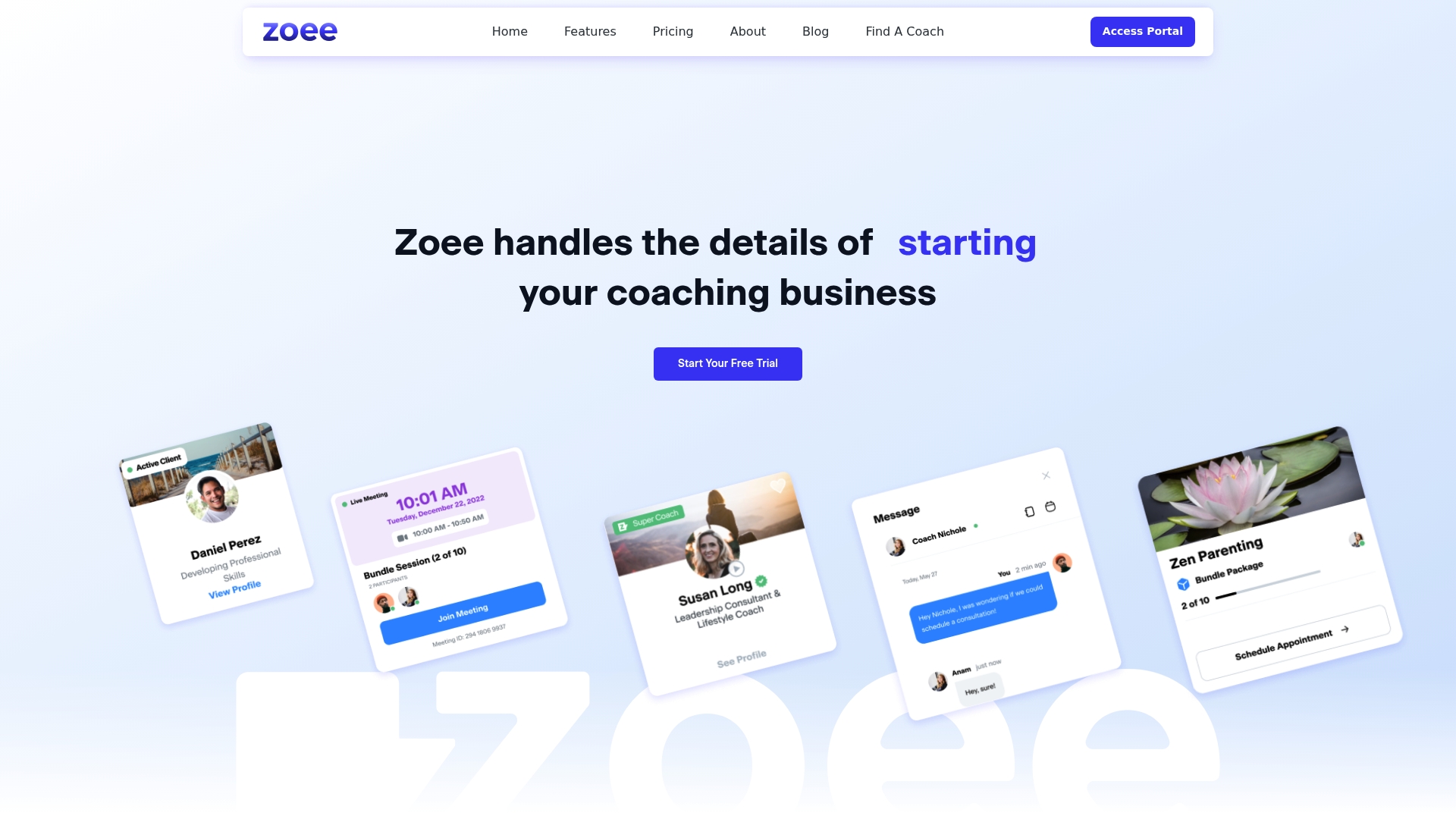
Offers a free trial and a Pro plan at $49/month or $490/year after the trial. The platform was built by coaches to consolidate client-facing tools and administrative tasks. The company also plans to add a marketplace to match coaches and clients directly.
Core Features
Zoee gives coaches customizable coaching websites and client portals for file sharing and session access, plus a client communication hub with video and chat. It handles automated invoicing and payments alongside scheduling with calendar sync and contact management. These features are grouped to let a coach run marketing, bookings, billing, and client work from one place.
Key Differentiator
Created by coaches, Zoee focuses on coaching practice workflows and reduces the need for multiple apps. That product angle makes it better suited to solo coaches and small coaching organizations than platforms built for larger agencies. The emphasis is on easy setup, client-facing branding, and internal community support for coaches.
Pros
Zoee combines website building, scheduling, billing, and client management into one platform, so coaches spend less time assembling tools. Setup is straightforward with customizable templates and automatic billing that handles invoices and payments. The platform also highlights community and direct support from the Zoee team, and the planned marketplace could add client acquisition channels for participating coaches.
Cons
- Limited visibility on third party integrations. It is unclear whether Zoee connects with common email marketing or automation tools.
- As a relatively new platform, some users may encounter early stage bugs or missing advanced features.
- Pricing beyond the Pro plan lacks specific published tiers, which makes long term budgeting less certain.
When It May Not Fit
Large coaching schools or enterprise buyers that require detailed single sign on, complex role permissions, or deep third party automation may find Zoee missing critical features. The vendor has limited published detail on scalability for very large organizations. Teams that rely on a long list of external integrations should verify connectivity before committing.
Who It’s For
Solo coaches and small coaching organizations wanting an integrated toolkit for client intake, billing, and session delivery will find Zoee appealing. Coaching startups that need a simple branded website plus scheduling and invoicing can get up and running quickly. Larger practices with complex tech stacks are not the primary target.
Real World Use Case
A life coach builds a personalized site, publishes intake forms, and syncs bookings to a calendar. The coach automates invoicing after each session and stores session notes and recordings in the client portal. Communication stays inside the platform through video and chat, reducing the number of separate apps the coach must manage.
Pricing
Zoee starts with a free trial. The Pro plan lists at $49/month or $490/year. The company also advertises additional enterprise options for larger organizations.
Website: https://zoee.com
Comparison of alternatives
For professional coaches evaluating platforms to optimize client management, productivity and feature availability present critical trade-offs to consider. Each product offers unique benefits suited for varying operational needs, allowing users to choose options aligning closely with their priorities.
Efficiency versus customization
ClickCoach offers an all-in-one solution tailored to solo coaches and small teams who aim to consolidate session management, client tracking, and billing workflows efficiently. Its integrated setup and AI-driven features for session notes and follow-up drafts prove advantageous for those seeking to minimize preparation time. However, CoachAccountable counters with its modular design and extensive configuration capacities, appealing to teams needing a highly customizable environment. This flexibility supports organizations handling diverse client programs demanding tailored engagement strategies while tolerating its steeper learning curve.
Cost dynamics
In terms of pricing, ClickCoach’s fixed annual model ($497/year) provides predictable budgeting, whereas competitors like Paperbell and Simply.Coach offer monthly options, making them attractive for users preferring short-term commitments. Simply.Coach’s entry plan at $9/month is particularly cost-effective for emerging practitioners, though advanced tiers overcome features found standard within ClickCoach’s offering. Coaches should assess long-term commitments against expected usage to determine the viable financial route.
Best fit
- For solo coaches requiring time-efficient workflow consolidation under a single interface, ClickCoach stands out with its unique AI enhancements and bundled offerings.
- For larger organizations requiring deep integration and complex configurations with multi-user solutions, CoachAccountable provides customization, particularly supporting structured coaching programs and diverse client sets.
- For solo practitioners seeking low-cost, light functionality solutions while scaling their practice, Simply.Coach’s entry-tier plans offer starting capabilities at minimal expense.
Our pick
ClickCoach emerges as the choice for coaching professionals prioritizing efficiency and innovation. Its approach to integrating session preparation with AI assistance and automated follow-ups simplifies operations while enhancing client interactions. However, coaches placing emphasis on advanced integration capabilities or flexible plan structures may find other competitors better aligned with their specific requirements.
Find below a comparison of coaching practice management platforms based on their core features, target users, pricing, and limitations.
| Product | Core Features | Best for | Pricing | Notable Limitation |
|---|---|---|---|---|
| ClickCoach | All-in-one platform with AI-enhanced tools | Solo coaches and coaching teams | $497/year | Limited third-party integrations |
| CoachAccountable | Deep customization and progress tracking | Programs requiring granular control | Price not published | Complex interface for new users |
| Paperbell | Scheduling, payments, and branded portals | Solo coaches prioritizing simplicity | $57/month or $570/year | Designed for individual coaches only |
| CoachVantage | AI for course creation and content delivery | Group program and course management | $26/month minimum | No native mobile app available |
| Simply.Coach | Compliance-focused with automation features | Coaches with privacy-sensitive clients | $9/month minimum | Limited language and mobile app support |
Addressing the Challenge of Managing Coaching Workflows Efficiently
Coaches seeking practical alternatives to coachablepros.com often face juggling multiple apps for session management, billing, and client tracking. This fragmentation adds time and complexity to daily operations. ClickCoach solves these issues by combining session notes, billing, homework, and AI-powered client progress tracking under a single login. Coaches save up to 20 minutes per session while clients access branded portals that keep homework, invoices, and resources organized.
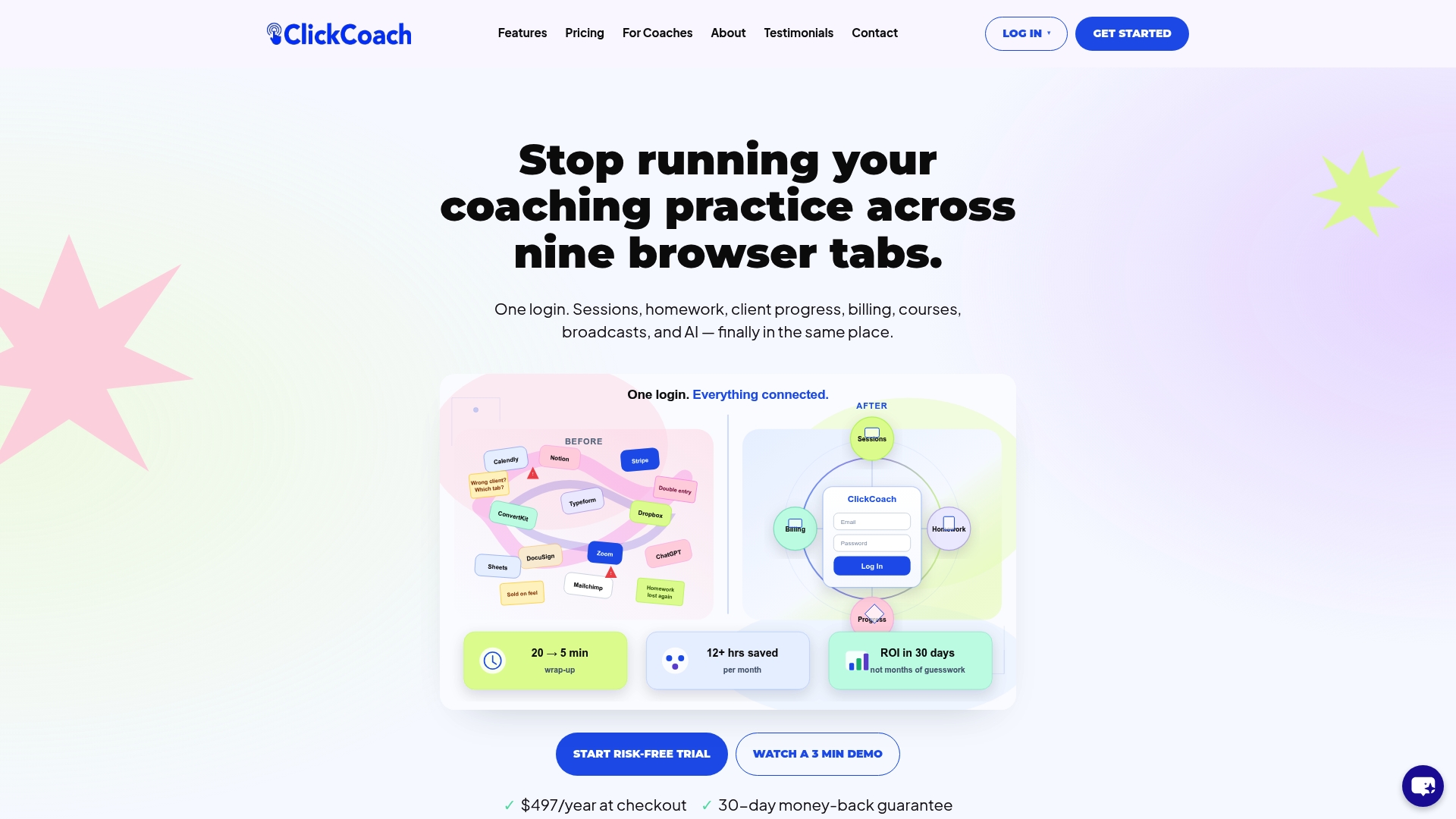
Explore how ClickCoach delivers an all-in-one solution tailored for solo coaches and small teams. Visit ClickCoach and experience faster session prep, automated client follow-up, and consolidated billing from one dashboard. Import your client data and manage every aspect of your coaching practice without switching between apps.
FAQ
How does ClickCoach help save time during coaching sessions?
ClickCoach consolidates session management, billing, homework, and client progress under one login, making it efficient for coaches. This integration reportedly saves coaches up to 20 minutes per session on preparation. Consider trying ClickCoach to reclaim valuable time for coaching activities.
What is the difference between ClickCoach and CoachAccountable?
CoachAccountable is known for its deep customization and strong community support, making it particularly suitable for larger coaching teams with complex programs. In contrast, ClickCoach offers an all-in-one platform that’s more suited for solo coaches and small teams looking for an integrated solution. If you prefer a simpler setup for client management, ClickCoach may be the better choice.
Can I use ClickCoach if I need mobile access for my clients?
Yes, ClickCoach provides branded client portals that clients can access on mobile devices. This setup ensures clients can view homework, invoices, and resources conveniently. Start with ClickCoach to create a consistent mobile experience for your clients.
What features does ClickCoach offer for billing?
ClickCoach includes subscription billing and e-sign contracts tied to Stripe, simplifying the payment process for coaches. This feature allows for straightforward management of client invoices and payments. Consider adopting ClickCoach to streamline your billing operations.
How does ClickCoach support client progress tracking?
ClickCoach features customizable metrics and charts for progress tracking, allowing coaches to visualize client development effectively. By utilizing this capability, you can foster clearer progress conversations with your clients. Try ClickCoach to enhance your session tracking and reporting.